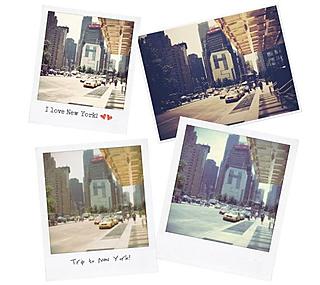
Choose an effect, personalize the frame and load your photo. In just a few minutes, Rollip will turn your digital photo into a Polaroid snapshot. It’s simple, fun and free of charge.
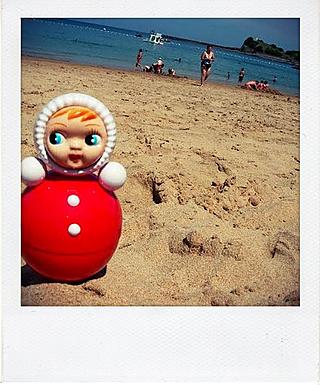
One of the photos posted on Rollip’s Flickr group
Some months ago, we told you about Poladroid, a free software program that generates Polaroid-style images and even reproduces this camera’s flaws and tricks: the minutes’ long wait, the clunky noises, the need to wave the photos in the air in order to speed up processing...
Now we’ve discovered a web page that recovers all the charm of Polaroids. It’s less playful, but more practical, and it’s also simple and easy to use. At Rollip.com in just 3 easy steps you can turn your digital photos into Polaroids (also digital).
Rollip offers users a bunch of options for customizing photos: you can choose the size, the amount of light, the color effect... and thus obtain an authentic photo in the purest Polaroid style.
You can also customize the classic white frame with a coffee stain, Dymo lettering, a background color and a bunch of fonts you can use to add captions.
Once you’ve chosen these effects, upload the photos off your computer and in just a few seconds, they’ll be ready. You can save them as JPG files, look at them online or share them on the Flickr group, created specifically for Rollip users. It’s simple, fun and free of charge. What are you waiting for to start converting all your photos?
 Curioblog



 Language English [


























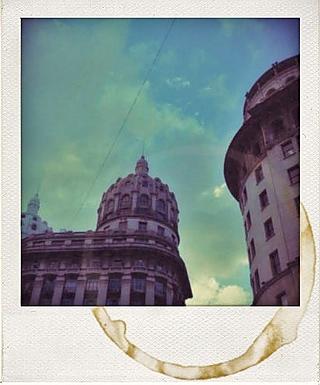
 One of the photos posted on Rollip’s Flickr group